
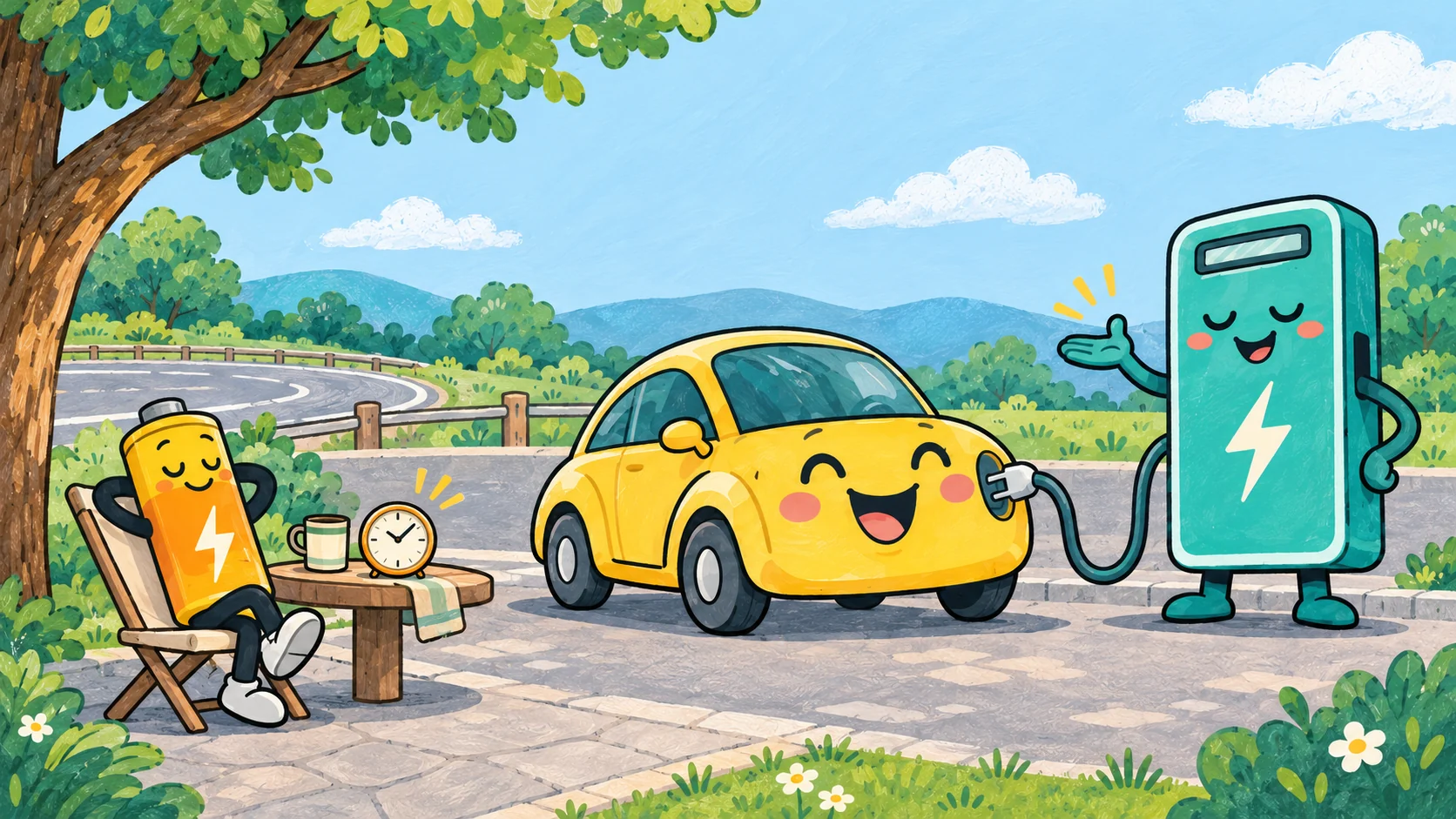
It is common for DC fast charging to slow down when the battery reaches roughly 80%. As the battery gets closer to full, the vehicle reduces the charging rate to protect it. When that slowdown begins, and how much the rate falls, depends on the vehicle and battery condition.
Another 10% can take a different amount of time
At a motorway stop, the battery percentage may rise quickly at first, then creep up as it approaches full. Charging does not run at a constant rate. The US Department of Transportation explains that charging slows near full capacity to prevent battery damage.
The time needed to go from 20% to 30% is therefore a poor guide to the wait from 80% to 90%. If the earlier increase took ten minutes, the later one will not necessarily take ten minutes too.

The charger’s power rating is not a constant delivery rate
A charger’s stated output cannot tell you exactly how fast your car will charge. The vehicle, battery condition and charging equipment also affect the rate. A kW reading on the charging display helps show how quickly energy is being delivered at that moment. It can fall during the session.
The Tesla Model 3 owner’s manual, for example, says the charging rate decreases when the battery is cold or nearly full. That guidance describes a particular vehicle; it does not mean every EV slows at the same percentage or by the same amount. There is no exact 80% boundary shared by all EVs.
Decide when to leave using your route
If you have enough range to reach your destination or the next charger, finishing a fast charge at around 80% can help shorten the stop. The US Environmental Protection Agency suggests this approach when the journey does not require a full battery.
You may need more charge if the next station is far away or charging at your destination will be difficult. Check your remaining range alongside the next available charging location. Here, 80% is a useful reference for planning a fast-charging stop. For your everyday charging limit, follow your vehicle’s manual and the recommended settings on its display.
Read about the difference between kW and kWh.
For charging operations and power management, see GROO EV.
For enquiries about operations software, use the Chat with us button at the bottom right.