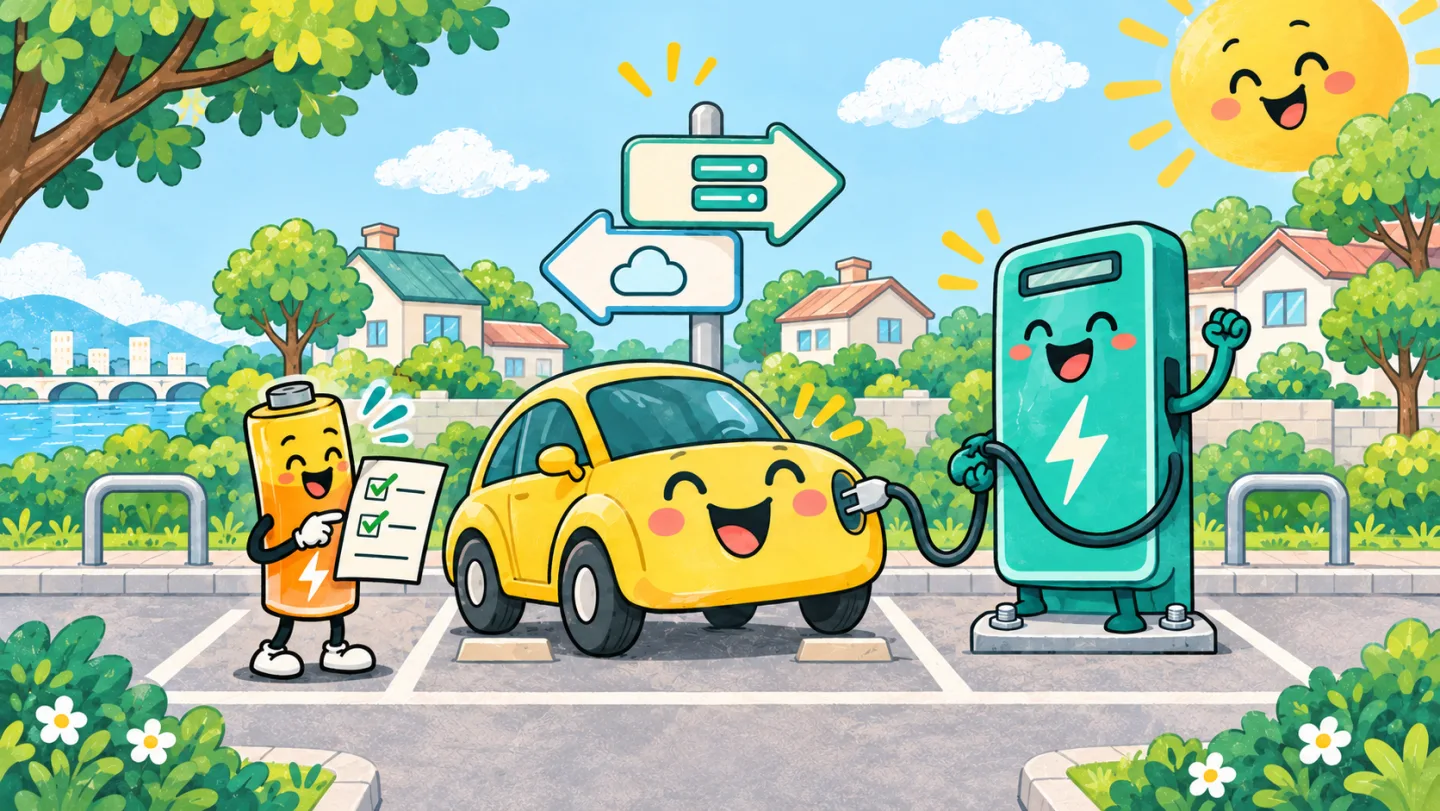
Yes, if your chargers can communicate with the new charging station management system (CSMS) and their connection settings can be changed. To decide which chargers can stay, check the exact model and firmware in service. Even chargers of the same model may run different versions of the software installed on them. Open Charge Alliance charger migration guide
What should you check on each charger?
List the manufacturer, model and firmware version for each charger. If it uses OCPP, record the version it runs. OCPP is the communication protocol chargers use to exchange information such as status and session data with a management system. Check that the new system supports the version and functions you rely on. Find out who can change the server address and security settings. Depending on the charger, you may need help from the manufacturer or existing operator, or someone may have to make the change on site. Open Charge Alliance overview of OCPP · Connection settings by charger model
Which records should you move or archive?
Ask what you can export and how far back the records go before access to the old system ends. Open a few sample sessions and check whether each record includes the charger ID, start and stop times, energy delivered in kWh and the tariff applied. Confirm separately which export formats the new system can read. Agree on which records to import for day-to-day operations and which to keep in a readable archive for past customer inquiries or settlement checks. Open Charge Alliance guidance on transferring data · EV Connect migration guidance
Run a full charging session on a few chargers first
Pick a small group that represents the main model and firmware combinations you operate. Once they are connected, authorize a driver the way you normally would and start and finish a charge. Check that the new system receives status and meter readings and that the completed session shows the expected record and tariff. If your team uses remote stop, check that the charger actually stops when asked. If driver authorization or session reporting fails after the charger connects, identify the cause and how to recover before moving on to the next site. Open Charge Alliance guidance on staged migrations
Related reading · Why does an EV charger show as offline when it still has power?
Planning a switch? The GROO EV CSMS migration checklist covers your chargers, connection settings, records, test sessions and recovery. Use ‘Chat with us’ at the bottom right to ask about the chargers you operate.