
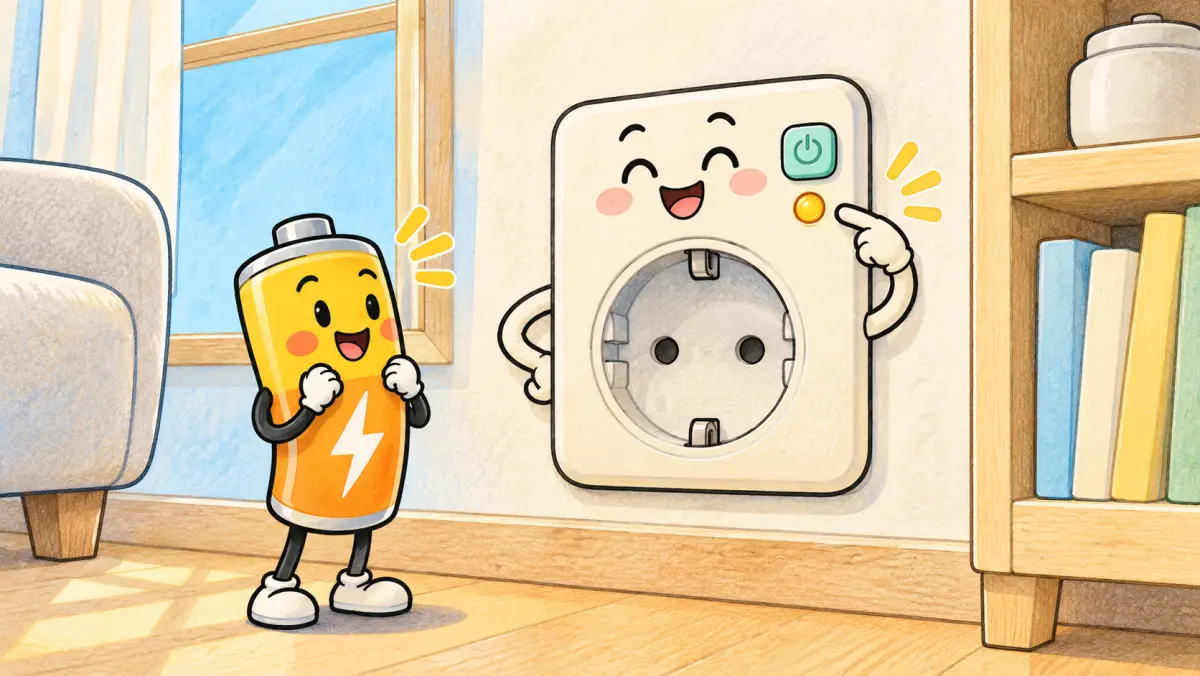
If an appliance won’t turn on, check the label next to its plug. On some Korean apartment outlets, two sockets on the same wall plate can work differently.
What’s the difference between always-on and automatic cutoff?
On some Korean apartment wall plates, one socket stays powered while another can switch off when the appliance goes into standby. A refrigerator needs the always-on socket so it can start cooling again on its own.
Other models have a selector for the same socket. In always-on mode, power stays on. In automatic cutoff mode, the outlet can disconnect the appliance when its power draw falls below the preset level. Check the diagram for your model to identify the control.
In the US, some controlled wall outlets switch off on a schedule or when a room is empty. At home, you may see an advanced power strip with outlets marked “Always On” and “Switched.” On a strip that senses TV power use, switching off the TV can also switch off a soundbar plugged into a controlled outlet. The label and the trigger depend on the product. US guide to plug load controls
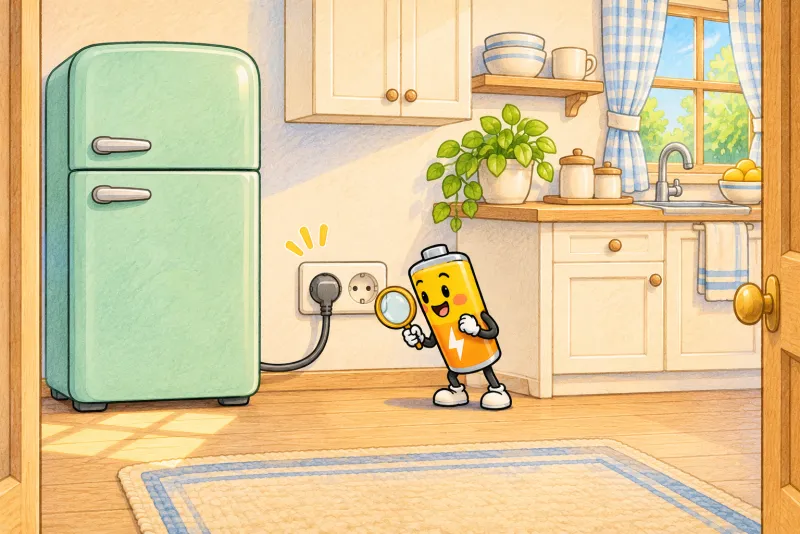
My appliance is plugged in. How do I turn it back on?
If automatic cutoff has disconnected an appliance, use the outlet’s control to restore power. For continuous power, use the always-on socket or select always-on mode if your outlet offers it. Then press the appliance’s own power button.
If the appliance still won’t turn on, tell building maintenance which socket you’re using and ask them to check it.
What happens after I switch an appliance off?
In automatic mode, the outlet waits a little after you switch off the appliance before it cuts power. The delay depends on the model. You can find it in your outlet’s manual.

Which devices are worth checking at home?
Two familiar places to look are the set-top box beside the TV and the microwave in the kitchen. Both can look idle while some functions are still on.
Set-top box. Switching off the TV leaves the box’s own standby settings in effect. Sky Q’s Eco setting puts the box into a lower-power mode overnight. Check your provider’s guide for how a deeper sleep affects wake-up time and scheduled recordings. Sky Q standby settings
Microwave. The clock can stay on long after cooking ends. Look up standby power for your model. For example, a microwave drawing 0.9 W for 20 idle hours a day would use 0.54 kWh in 30 days before you count any cooking. Berkeley Lab on standby and ready modes
Why can a device still use electricity after I press the power button?
Think of turning off a set-top box with its remote. The picture disappears, but the receiver inside the box needs a little electricity to pick up the next signal. That is one use of standby power. The ⏻ symbol, a line through the gap at the top of a circle, can indicate standby. It is also used on general power buttons.
The ⏼ symbol, a line inside a closed circle, marks an on/off switch. If switching it off disconnects the whole appliance from the mains, the appliance draws no standby power from the outlet. To check your own appliance, look up its off-mode power consumption in watts or measure it with a plug-in power meter.
An outlet for charging an electric car
The outlets we’ve looked at help cut standby power at home. In a shared apartment garage, you might come across a different kind of outlet that lets drivers charge an electric car and pay for the electricity they use. Here’s how one such outlet, Manageon’s MeCON, works.
To ask about purchasing or installing MeCON, select “Chat with us” at the bottom right.